
Best AI for Studying: Free Tools and a Mock Interview Plan for Final-Year Students
Best AI for studying: free AI tools for final-year students to learn faster, build projects and run a step-by-step mock interview.
Final year is a squeeze. You have exams, a project, interviews and a CV that still reads like a template. AI tools can lighten all four, if you use them like a coach and not a shortcut.
Rooman Technologies has trained 1.3 million engineers. That experience of watching learners move from classroom to workplace shapes this guide: use AI to practise more, not to think less.
This guide is for any final-year student: B.Com, BBA, BBM, BAF, M.Com, BA, MA, science or any other stream. You do not need a coding background. You need a laptop, a few free tools and about thirty focused minutes a day.
What 'best AI for studying' really means
People search for the single best AI for studying. The honest answer is that no single tool wins. The best AI for studying is the one that fits the job you are doing right now: understanding a hard chapter, revising for an exam, drafting a project report or rehearsing an interview answer.

Many AI tools offer a free tier, and the limits change often. Check what each one offers today before you build a habit around it. Whatever you pick, judge it with three questions:
- Does it make me practise, or does it just hand me answers?
- Can I check its output against my textbook, my notes or my faculty?
- Will I still be able to do this without the tool on exam day or in the interview room?
If the answer to all three is yes, the tool is helping you. If not, it is a crutch, and final year is the wrong time to find that out.
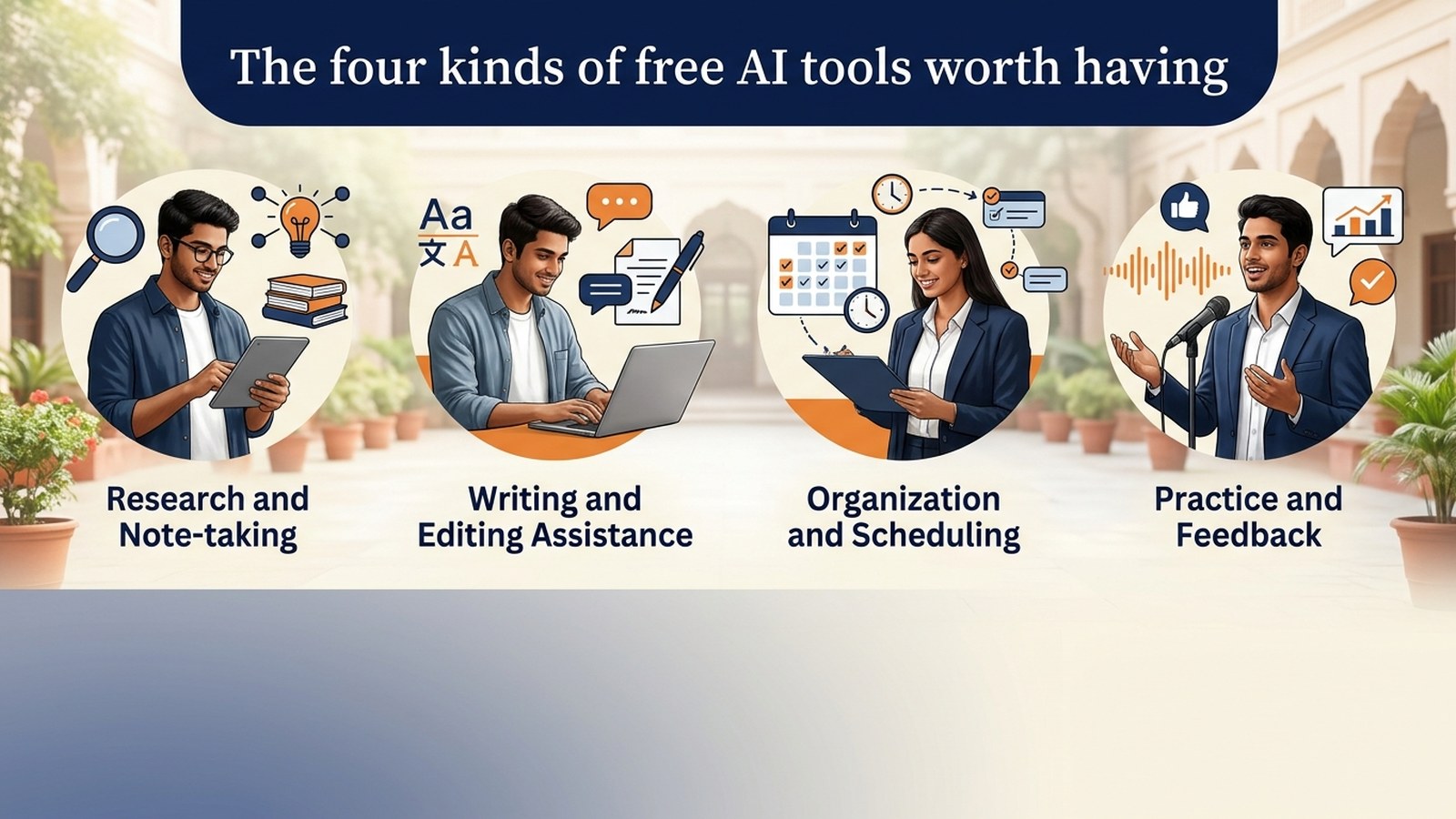
The four kinds of free AI tools worth having
You do not need a dozen apps. You need one tool from each of these four categories.
1. A conversational AI assistant
This is your on-demand tutor. Use it to explain a concept in plain language, give you an analogy from your own field, or quiz you on a topic. A commerce student can ask it to explain depreciation methods with a shop example. A humanities student can ask for the main arguments for and against a theory. A science student can ask it to walk through a derivation one step at a time.
The skill that matters here is prompt writing. Vague questions get vague answers. Tell the assistant who you are, what you are studying, what you already know and what format you want back. 'Explain this like I am a second-year B.Com student, then give me three practice questions' beats 'explain this' every time.
2. A summariser and notes tool
Summarisers turn long readings, lecture transcripts and your own messy notes into short outlines. They are excellent for a first pass. Never treat the summary as the source. Read the original for anything that will be examined, and use the summary to decide where to spend your time.
3. A flashcard and quiz maker
Revision works when you test yourself. Paste your notes into an AI tool and ask for question-and-answer cards, case-based questions or a short mock test. Then answer from memory before you look at the key. Retrieval practice is the point. Reading the cards passively is not.
4. A writing and presentation helper
Use it to tighten an introduction, fix grammar, suggest a clearer structure for a report or turn bullet points into slide outlines. Write your own first draft, then ask the tool to critique it. Your voice stays yours, and your examiner or interviewer will be able to tell.
How to study with AI without outsourcing your brain
Here is a simple routine that works for most subjects.
- Preview. Ask the assistant for a one-page map of the chapter: key terms, how they connect and common exam angles.
- Read. Go to your textbook or class notes and read the real material with that map in mind.
- Explain. Close the book. Explain the topic back to the AI in your own words and ask it to point out gaps or errors.
- Test. Generate ten questions, answer them without help, then compare.
- Fix. Take the questions you missed and ask for a different explanation, then try again the next day.
Notice that in every step you are the one doing the work. The AI is the sparring partner. That is the difference between studying with AI and copying from AI.
A word on accuracy: AI tools can sound confident and still be wrong. Cross-check definitions, formulas, dates and legal or financial rules against your prescribed material. If the tool and your textbook disagree, trust the textbook and ask your faculty.
AI for final-year projects: a practical workflow
A final-year project is often your first real piece of work to show an employer. It deserves a proper process.
Step 1: Choose a problem, not just a topic. Ask the AI to suggest ten project problems in your field, then pick the one you can actually get data or access for. A B.Com student might look at how small shops manage cash flow. A BA student might study how local media covers a civic issue. A science student might design a simple experiment with a clear measurable outcome.
Step 2: Build a plan. Ask for a week-by-week outline from literature review to final report. Adjust it to your college deadlines and your guide's expectations.
Step 3: Research with care. Use AI to find keywords, suggest what to read and explain unfamiliar methods. Then find and read the real sources yourself. Never cite something an AI tool told you exists until you have found it.
Step 4: Analyse. If you have survey or spreadsheet data, ask the AI to explain which chart or calculation suits it and how to read the result. Run the numbers yourself and understand them.
Step 5: Draft and critique. Write each section yourself. Then paste it in and ask: 'What is unclear? What claim needs evidence? What would a sceptical examiner ask?'
Step 6: Prepare to defend it. Ask the AI to play your viva examiner. This one habit is the bridge between your project and your interview, because both need you to explain your choices out loud.
Step-by-step: run a mock interview with AI
Most final-year students get very few chances to practise an interview before the real one. An AI assistant can give you unlimited rehearsals at any hour. Here is a drill you can run tonight.
Step 1: Pick one target role
Choose a single role you would genuinely apply for, such as a business analyst, a marketing associate, an operations trainee or a content executive. Copy the job description into your chat.
Step 2: Set the scene with a clear prompt
Try something like this:
You are an interviewer hiring for the role in the job description above. I am a final-year student with no full-time experience. Ask me one question at a time. Wait for my answer before the next question. Start with an easy warm-up, then move to behavioural and role-specific questions. Do not give feedback until I say 'feedback'.
Step 3: Run the warm-up
Start with 'Tell me about yourself'. Aim for a short answer: who you are, what you studied, one project or achievement and why this role. Keep it under a minute when spoken.
Step 4: Answer out loud
Speak your answers, even if you type them afterwards. Interviews are spoken, and your mouth needs practice as much as your mind does. Use the STAR pattern for behavioural questions: Situation, Task, Action, Result. Your final-year project, a club role, an internship or a group assignment all give you material.
Step 5: Ask for structured feedback
After five or six questions, type 'feedback' and ask the AI to score each answer on four things: clarity, evidence, structure and relevance to the role. Ask for one specific improvement per answer, not a general pep talk.
Step 6: Redo your weakest answer
Pick the answer that scored lowest and answer it again, applying the feedback. Ask the AI to compare the two versions. This step is where most of the learning happens.
Step 7: Add pressure
Ask for follow-up questions: 'Why that approach?', 'What would you do differently?', 'Tell me about a time it went wrong.' Real interviewers probe. Practise staying calm and honest when they do.
Step 8: Keep a scorecard
Note your three strongest answers, your three weakest and one thing to fix before the next session. Repeat the drill three or four times a week with a different role or a different set of questions each time.
If you can, do one round with a friend or senior as well. AI cannot see your posture, hear your nervousness or react to your energy the way a person can.
A simple one-week plan
- Day 1: Pick your four tools. Set up a notes document for prompts that work.
- Day 2: Use the study routine on your hardest subject.
- Day 3: Build or refine your project plan with AI critique.
- Day 4: Run the first mock interview drill and log your scorecard.
- Day 5: Generate a quiz on one topic and test yourself.
- Day 6: Redo your weakest interview answers and update your CV with what you learned.
- Day 7: Rest, then review what worked and what felt like a shortcut.
Thirty focused minutes a day beats a weekend panic.
Mistakes to avoid
- Copy-pasting AI output into assignments. It is easy to detect and it teaches you nothing.
- Trusting citations and facts without checking. Verify before you submit.
- Sharing private data. Do not paste personal documents, ID numbers or confidential material into any tool.
- Practising only easy questions. The uncomfortable ones are the ones that help.
- Using AI instead of people. Talk to faculty, seniors and mentors too.
Where Rooman fits in
Free tools get you started. Structure, practice with real projects and guidance are what turn a starting point into a skill set.
Rooman was founded in Bengaluru in 1999 and has been in operation for 27 years. We run 198 delivery centres across India, work with more than 1,000 hiring partners and are accredited by NSDC, NASSCOM, Microsoft, AWS and IBM. Our programmes teach AI-augmented development, prompt engineering, cybersecurity, and cloud and DevOps through project-driven learning. That means you build things, not just watch videos.
For college students, our Campus AI programmes are designed to help you become AI-ready before you graduate, whatever your stream. If you want a guided path alongside the free tools above, explore the Campus AI page and the interview prep page on rooman.com, or share your details with us and our team will point you to the right programme.
Your next move
Pick one tool and one habit today. Run the mock interview drill tonight. Then come back tomorrow and do it again. Confidence in an interview is rarely a gift. It is a count of how many times you have already answered the question.
Ready to go further? Share your details at rooman.com/enquire and tell us you are a student interested in Campus AI.
FAQ
What is the best AI for studying?
There is no single best tool. Use a conversational AI assistant for explanations, a summariser for first-pass notes, a flashcard or quiz maker for revision and a writing helper for drafts. Choose the one that makes you practise rather than just hands you answers.
Can non-engineering students use AI tools effectively?
Yes. Commerce, management, humanities and science students can all use AI to explain concepts, quiz themselves, plan projects and rehearse interviews. You do not need coding skills to write clear prompts and check the answers.
How do I do a mock interview with AI?
Paste a job description, ask the AI to act as the interviewer and ask one question at a time. Answer out loud, request feedback on clarity, evidence, structure and relevance, redo your weakest answer, then add follow-up pressure questions.
Is it okay to use AI for a final-year project?
Use it for planning, brainstorming, explaining methods and critiquing your drafts. Write and understand your own work, verify every source and follow your college's rules on AI use. You may be asked to defend the project in a viva.
Are free AI tools enough, or do I need a course?
Free tools are a good start for self-study. A structured, project-driven programme adds guidance, feedback and real practice. Rooman's programmes cover AI-augmented development, prompt engineering, cybersecurity, and cloud and DevOps.