
Office 365 Professional
- Industry-Relevant Curriculum
- Hands-On Training
- Internship Opportunities
- Certification Preparation
- Placement Assistance
Start Date
April 07, 2026
Course Duration
210 Hrs

About Program
Office 365 is a suite of productivity tools developed by Microsoft that allows users to access and collaborate on documents, emails, and other work-related tasks from anywhere with an internet connection. It has become a vital tool for businesses and organizations worldwide, offering a comprehensive range of features that enhance communication, collaboration, and productivity. Students entering any field should have office 365 skills to grow his/her professional life exponentially.
Key Features
- Hands-On Training
- Certification Preparation
- Industry-Relevant Curriculum
- Internship Opportunities
- Interview preparation
- Placement assistance
Why choose us?
Training Option
- In-Person Classroom based Training conducted by Subject Matter Expert
- Flexibility to attend classes at any of our 50+ Centers PAN India
- Hands-on experience at our state-of-the-art Lab
- Interview Preparation & Placement Support
- Industry Recognized Course Completion Certificate
Tools & Softwares


Salary Scale
Job Role
- SharePoint Administrator
- Office 365 Administrator
- Power Platform Specialist
- SharePoint Developer
- Office 365 Support Engineer
- Business Analyst (Office 365)
- IT Support Specialist (Office 365)
- Teams Administrator
Our Alumni Work at

Course Curriculum
- Basic functions
- Formulas
- Data Entry
- Data cleaning
- Data formatting
- Tables
- Charts
- Graphs
- Pivot tables
- Pivot charts
- Macros and VBA
- Advance formulas and Functions
- Data Analysis
- Key board shortcuts
- Collabaration and sharing
- Data Visualization
- Data Validation
- Formatting
- Styles
- Themes
- Page layouts
- Headers and footers
- Templates
- Tables
- Charts
- Graphics
- Collaboration
- Mail Merge
macros - Navigation
- Accessibility
- Keyboard shortcuts
- Basic slide formatting
- Basic design principles
- Slide Layout
- Slide Transistions
- Slide notes
- Graphics and media
- Animation
- Audio and narration
- Collaboration
- Templates
- Keyboard shortcuts
- Presentation skills
- Customization
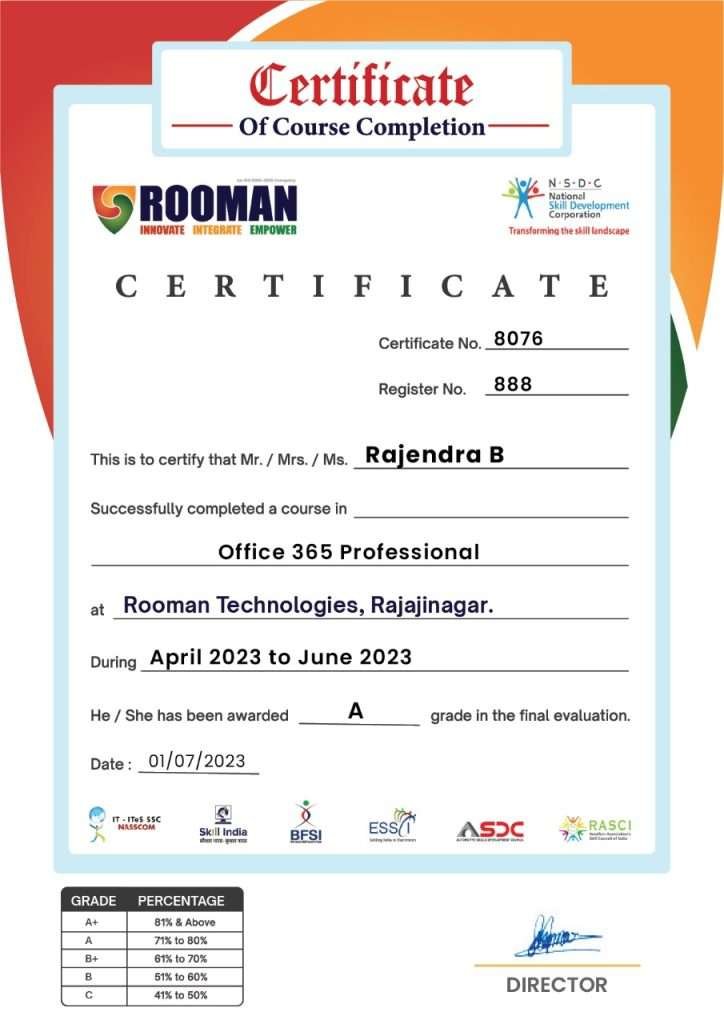
Certification
Testimonials
Frequently Asked Questions
It is a comprehensive course designed to teach the use and management of Office 365 tools.
Topics include Microsoft Excel, Word, and PowerPoint with a focus on advanced functions and data analysis.
Yes, practical labs are included for hands-on experience.
Upon successful completion, you will receive certifications recognized by industry leaders like NASSCOM, NSDC, and Skill India.
Expert guidance, doubt-clearing sessions, and project support are provided.
Yes, you can contact Rooman experts through their provided contact information.
Graduates can pursue careers in administrative roles, data analysis, and office management.
Yes, Rooman Technologies offers free demo sessions to give prospective students a preview of the course content and teaching methodology
The instructors are industry experts with extensive experience working with leading technology companies such as CISCO, WIPRO, and Infosys
You can enroll by visiting the Rooman Technologies website, filling out the necessary details, and following the enrollment procedure. For guidance, you can also contact their support team