
Data Analyst
Data Analyst – A Fast Track to Success.
- 120+ Hours of Hands-On, Interview-Centric Training
- 30:70 Approach – 30% Theory, 70% Data Projects & Case Studies
- SQL Query Building & Optimization for Interviews
- Real-World Data Cleaning, Analysis & Insight Generation
- Hands-On with Excel, Power BI, Tableau & Python (Pandas)
- Mock Interviews & Business Scenario-Based Problem Solving

About Program
The Data Analyst program is designed to help you master the skills needed to collect, analyze, visualize, and interpret data to support business decision-making.
Starting with the fundamentals, you’ll learn Excel for data handling, then progress to SQL for database querying, Python for data processing, and Power BI for creating interactive dashboards. You’ll also gain hands-on experience with data cleaning, data visualization, and basic statistical analysis, all through real-world datasets and projects.Key Features
- 100% practical and job-focused training
- Hands-on projects and case studies
- Interview preparation and portfolio support
- Weekly assessments and feedback
- Lifetime access to course materials
Crack the Data Interviews with Confidence and Clarity

This is where the Rooman Data Analyst Interview Prep Program steps in
Designed for students who have completed their foundational training, this program dives deep into practical data analysis, visualization, and interview-focused problem-solving.
Course Curriculum
Python
Module 1 - Introduction to Python
- Overview of Python for Data Analysis
- Setting up Python and Jupyter Notebook, Colab
- Understanding Python IDEs
- Data types (strings, integers, floats, Booleans)
- Variables and constants
Module 2 - Data Structures
- Lists: creation, slicing, and manipulation
- Tuples: immutable sequences
- Dictionaries: key-value pairs
- Sets: unique items
Module 3 - Control Flow
- Conditional statements (if, elif, else)
- Loops: for and while
Module 4 - Functions
- Defining functions
- Function arguments and return values
- Lambda functions
- Scope and global variables
Module 5 - Working with Modules
- Importing Python standard modules
- Working with os, math library
- Installing external libraries using pip
Module 6 - NumPy Basics
- Introduction to NumPy
- Creating arrays
- Array indexing and slicing
Module 7 - NumPy Operations
- Array reshaping
- Mathematical operations on arrays
- Statistical operations with NumPy
Module 8 - Pandas
- Introduction to Pandas
- Creating DataFrames and Series
- Reading and writing CSV/Excel files
Module 9 - Pandas Operations
- Data selection and filtering
- Adding and dropping columns
- Renaming columns and rows
Module 10 - Data Cleaning in Pandas
- Handling missing data
- Replacing values
- Dropping duplicates
- Handling outliers
- Data type conversions
Module 11 - Data Transformation in Pandas
- Grouping and aggregation
- Merging and concatenating DataFrames
- Sorting and ranking data
Module 12 - Data visualization using Matplotlib / Seaborn
- Creating basic plots: line, scatter, bar, Pie
- Customizing plots: titles, labels, legends
- Saving plots to files
- Creating Advance plots: Histograms, Box and Whisker Plots
Module 13 - Integration with Databases
- Using SQLite in Python
- Connecting to SQL databases
- Executing SQL queries from Python
- Reading and writing data between Pandas and SQL
Statistical Analysis using Python
Module 1 - Introduction to the Statistical Analysis
- Overview of Statistical Analysis
- Types of Statistical Analysis – Descriptive and Inferential
- Sampling
- Types of Data: Categorical and numerical
Module 2 - Descriptive Statistics
- Measures of Central Tendency
- Measures of Dispersion
- Percentiles and Quartiles
- Correlation and Regression
- Exploratory Data Analysis
Module 3 - Probability Distributions
- Random Variable
- Normal Probability Distribution
- Binomial Distribution
Module 4 - Inferential Statistics
- Population and Sample
- Hypothesis Testing
- One Sample Z test
- Two Sample Z Test
- One sample T test
- Two Sample T Test
- Chi-square test
- ANOVA (Analysis of Variance)
SQL for Data Analysis
Module 1 - Introduction to SQL
- Overview of databases
- Database Concepts
- SQL query structure (MySQL)
- Data types
Module 2 - SQL Select Queries
- WHERE clause
- ORDER BY
- LIMIT
- Subqueries
- Using IN for Multiple Value Comparisons
Module 3 - Aggregation Functions
- COUNT(), SUM(), AVG(), MAX(), MIN()
- GROUP BY, HAVING
Module 4 - Working with Joins
- Combining data from multiple tables
- INNER JOIN, LEFT JOIN, RIGHT JOIN, FULL JOIN
Module 5 - Data Manipulation
- INSERT
- UPDATE
- DELETE
- TRUNCATE
Module 6 - Additional SQL function
- DISTINCT
- RANK()
- UNION
- String functions
- Data functions
Excel
Module 1 - Introduction to Excel
- Why Excel and it’s business use-cases
- Understanding Excel interface
- Workbook and worksheet management
- Shortcut keys for productivity
Module 2 - Data Formatting
- Number and text formatting
- Conditional formatting
- Format Painter
- Merging and splitting cells
- Wrapping text
Module 3 - Data Cleaning
- Removing duplicates
- Text-to-Columns
- Flash Fill
- TRIM function
- SUBSTITUTE function
- Using Find and Replace
Module 4 - Basic Formulas
- SUM
- AVERAGE
- MIN
- MAX
- COUNT
- COUNTA
Module 5 - Logical Functions
- IF statements
- AND
- OR
- NOT
Module 6 - Text Functions
- CONCAT
- LEFT
- RIGHT
- FIND
- LEN
- PROPER, UPPER, LOWER
Module 7 - Date and Time Functions
- TODAY
- NOW
- YEAR
- MONTH
- DAY
Module 8 - Data Analysis Tools
- Sorting data
- Filtering data
- Advanced filters
- Subtotals
- Grouping and ungrouping
- Data validation for dropdowns
Module 9 - Data Visualization
- Creating basic charts (line, bar, pie, scatter)
- Formatting charts
- Adding data labels
- Creating PivotCharts
- Using Sparklines
- Combo charts
Module 10 - Lookup Functions
- Creating basic charts (line, bar, pie, scatter)
- Formatting charts
- Adding data labels
- Creating PivotCharts
- Using Sparklines
- Combo charts
Python Project using Datasets
- Project 1
- Project 2
Power BI Project
- Project 1
- Project 2
Program Fee
₹ 25,000/-
- Industry-Relevant Curriculum
- Personality & Career Assessment
- Access to LMS Platform
- Certification of Completion
- Interview Opportunities with Partner Firms
Pre-requisites
- No programming background required
- Basic computer skills and logical thinking
- Interest in working with numbers and business data
Job Role
- Data Analyst
- Junior Data Scientist
- Business Intelligence Analyst
- Reporting Analyst
- MIS Analyst
- Data Visualization Specialist
Certificate
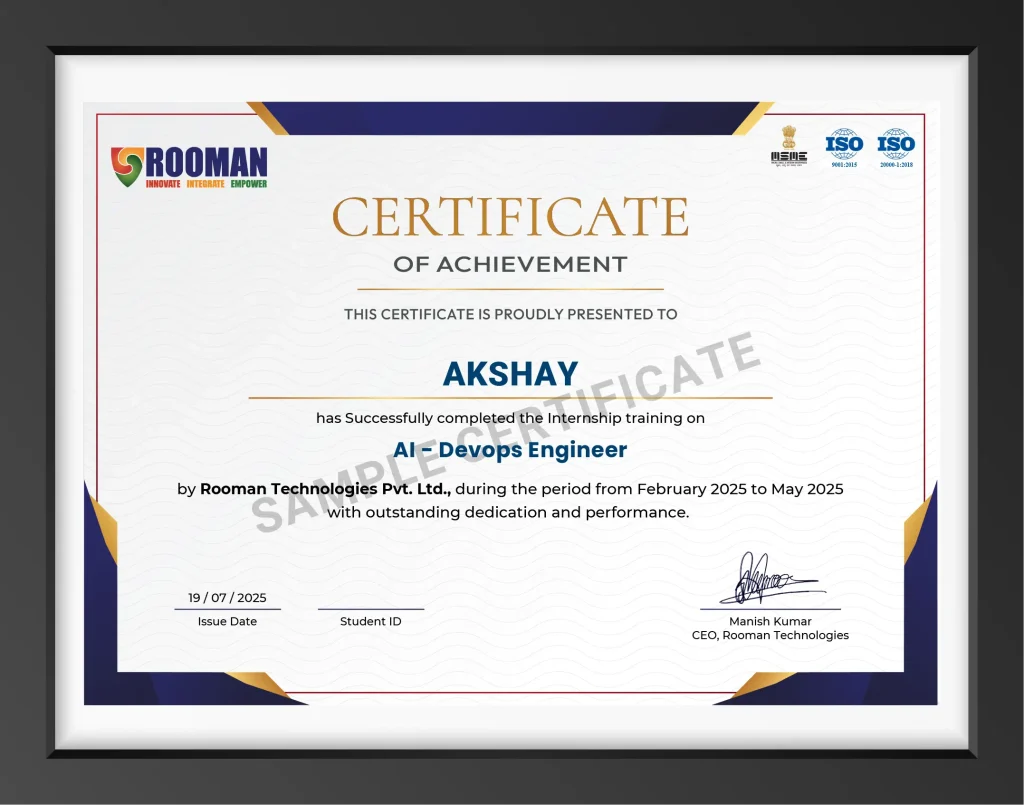
Eligible Certifications
- Google Data Analytics Certificate
- Microsoft Certified: Data Analyst Associate (Power BI)
- Tableau Desktop Specialist
- IBM Data Analyst Certificate
Tools & Softwares



Our Alumni Work at
